01
Download the App
Get the Gardiyan Family app from the Google Play Store.
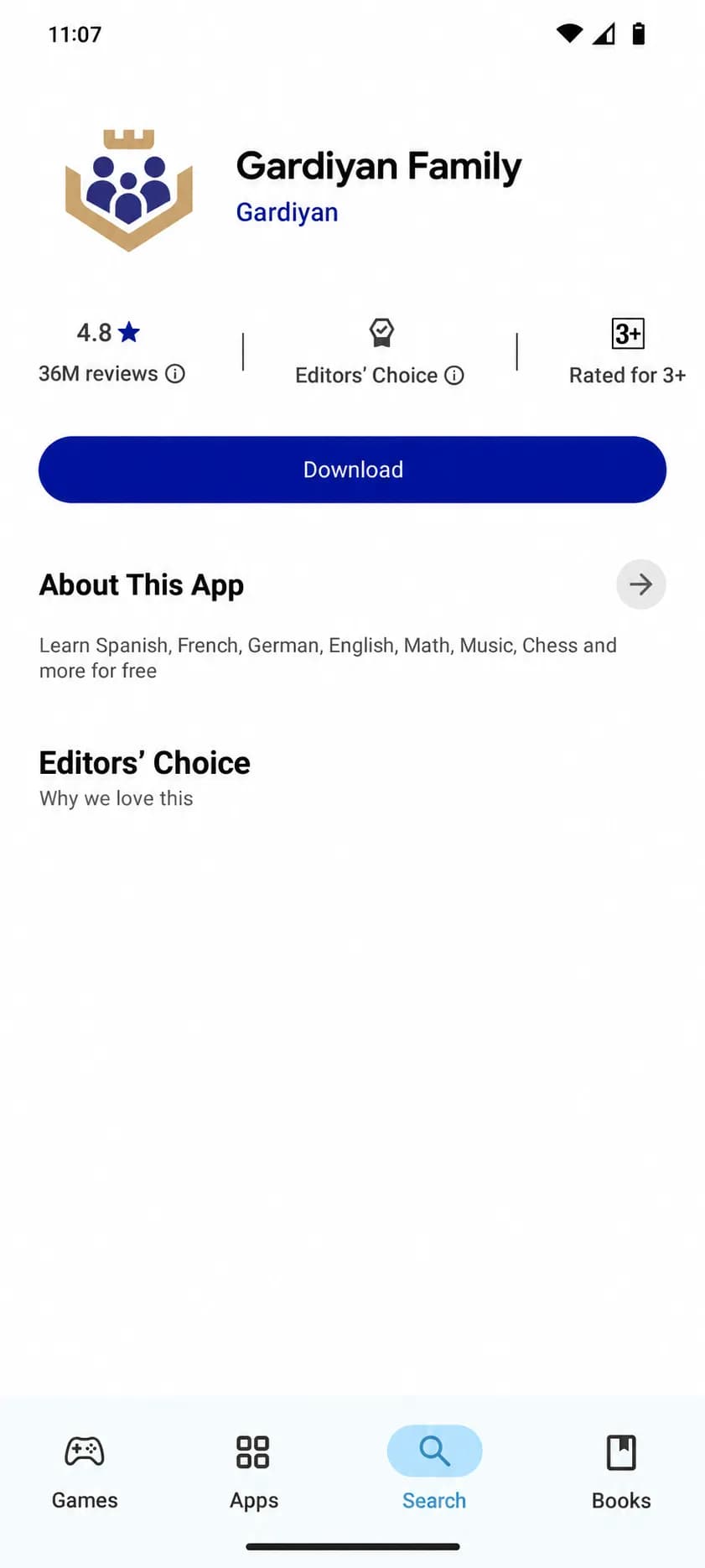

Gardiyan Family helps you manage your kids' devices, see where they are in real time, and protect them from online threats.

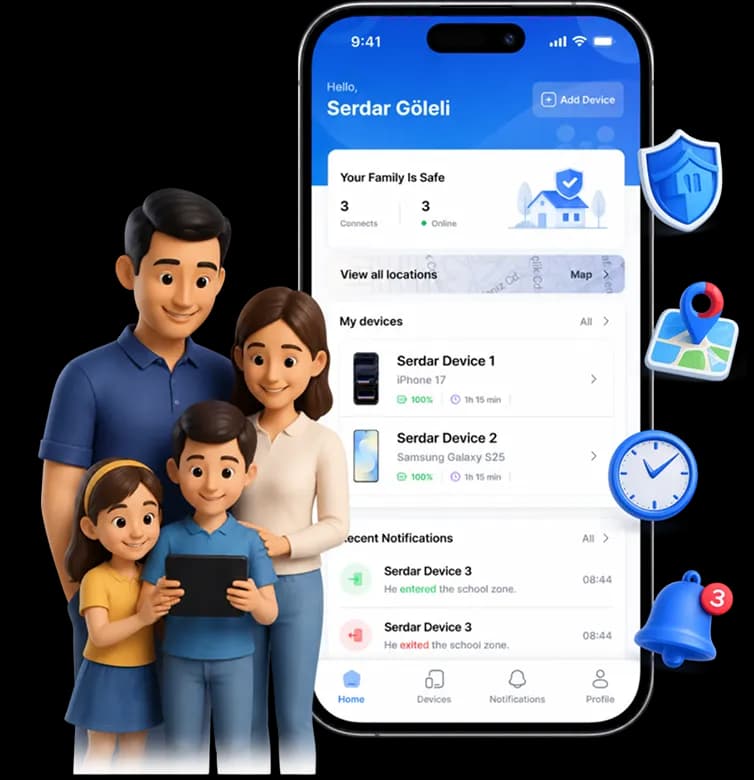


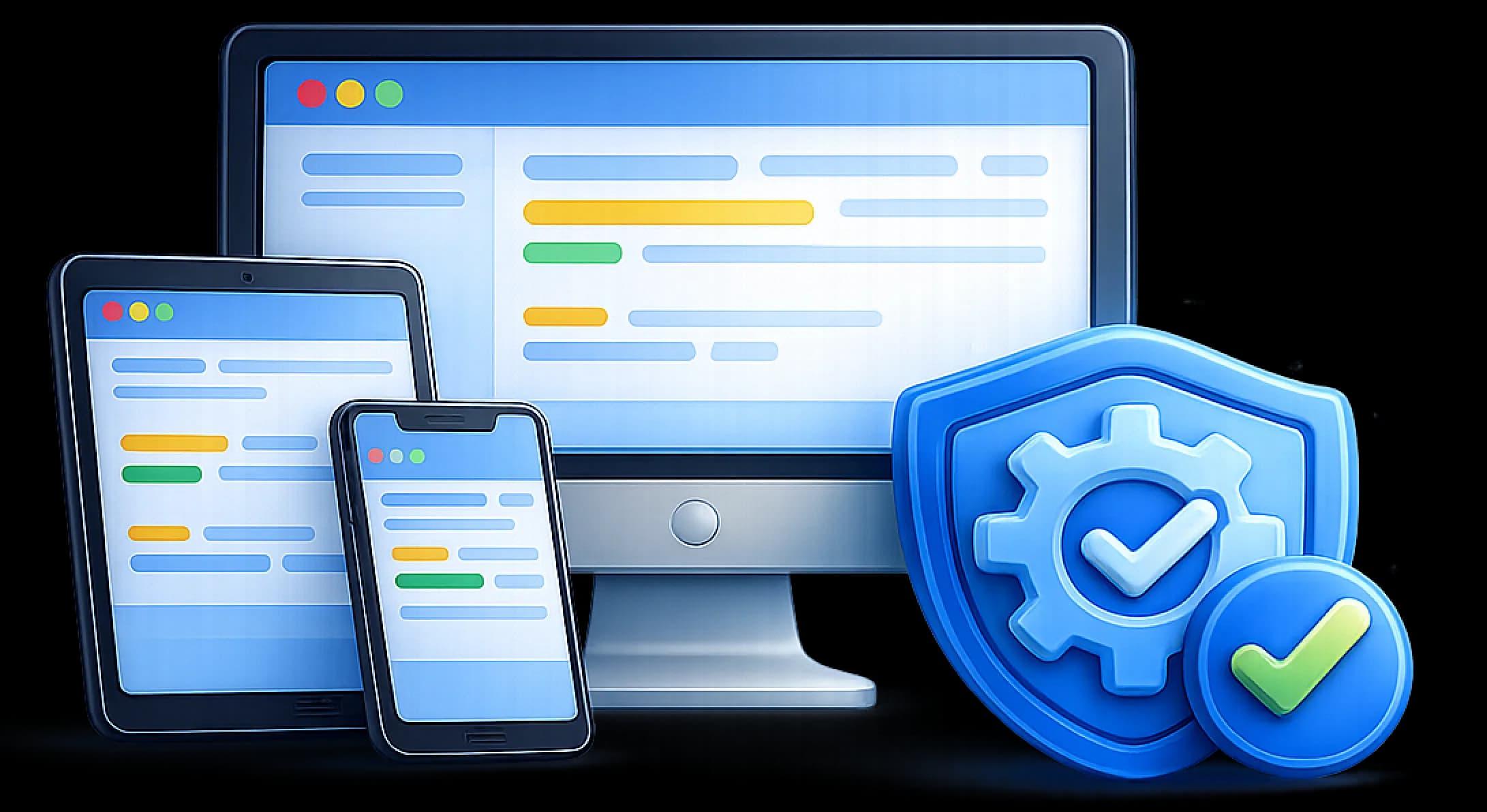

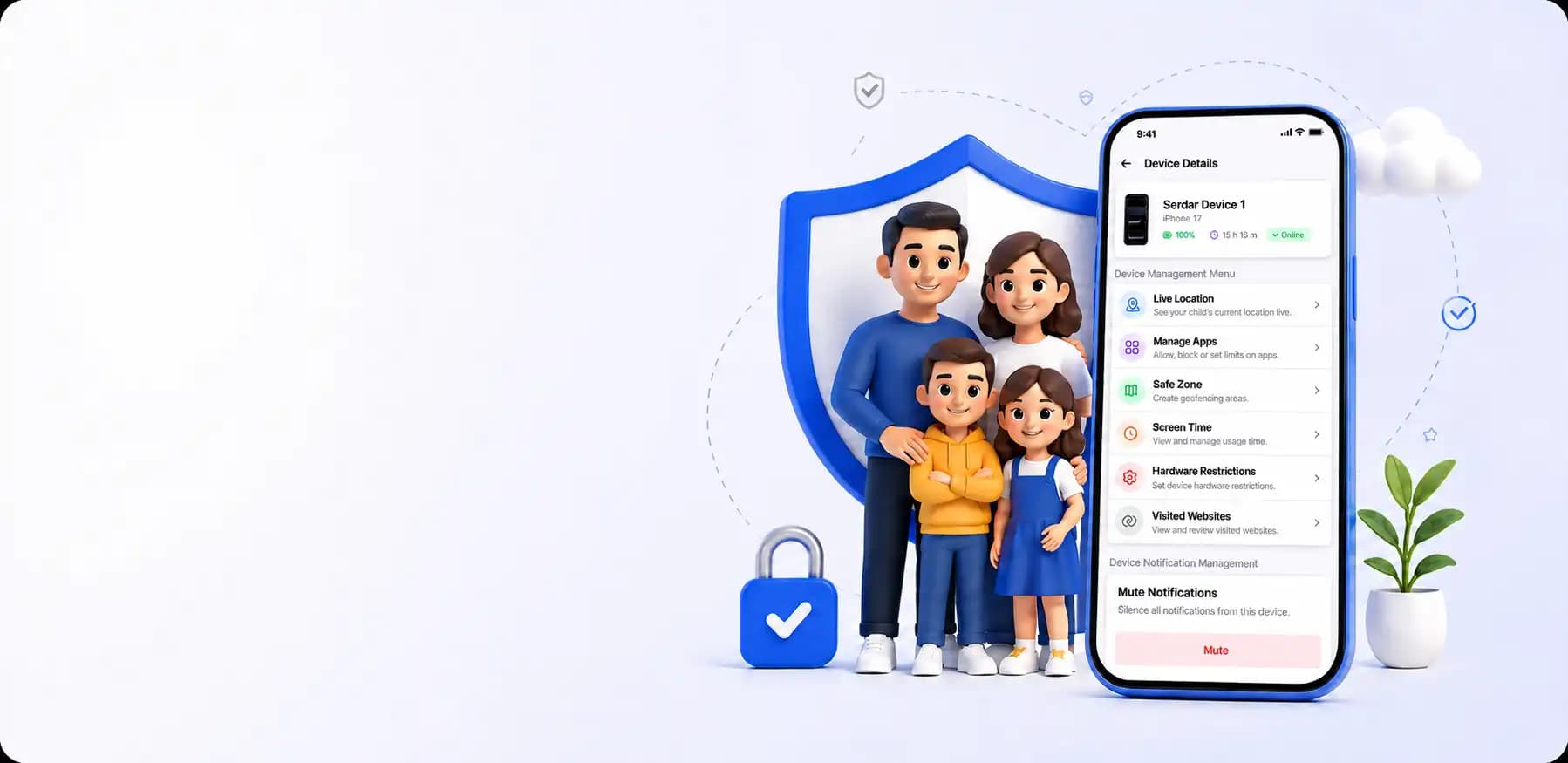

Gardiyan Family is a smart parental control app built to help parents guide their kids' digital lives with confidence. With app management, screen time limits, real-time location tracking, and instant alerts, you're always in the loop and in control.
Advanced monitoring and control tools that give your kids a safer digital world.
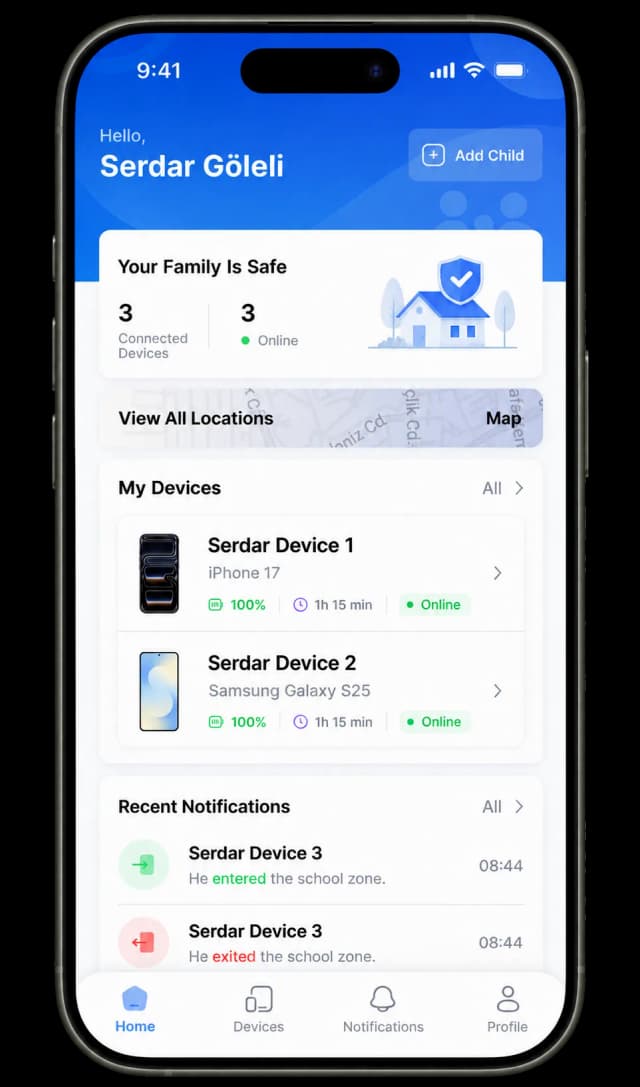
See your child's location on the map in real time.
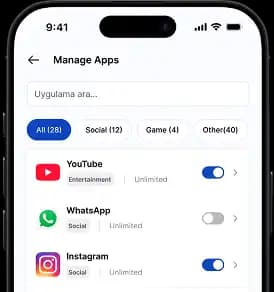
Choose which apps your child can use and set limits.
Set daily limits and get usage reports.
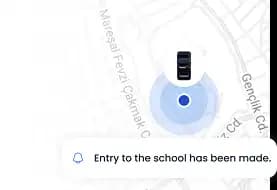
Get notified the moment your child enters or leaves a set area.
Stay on top of important activity and get peace of mind right away.
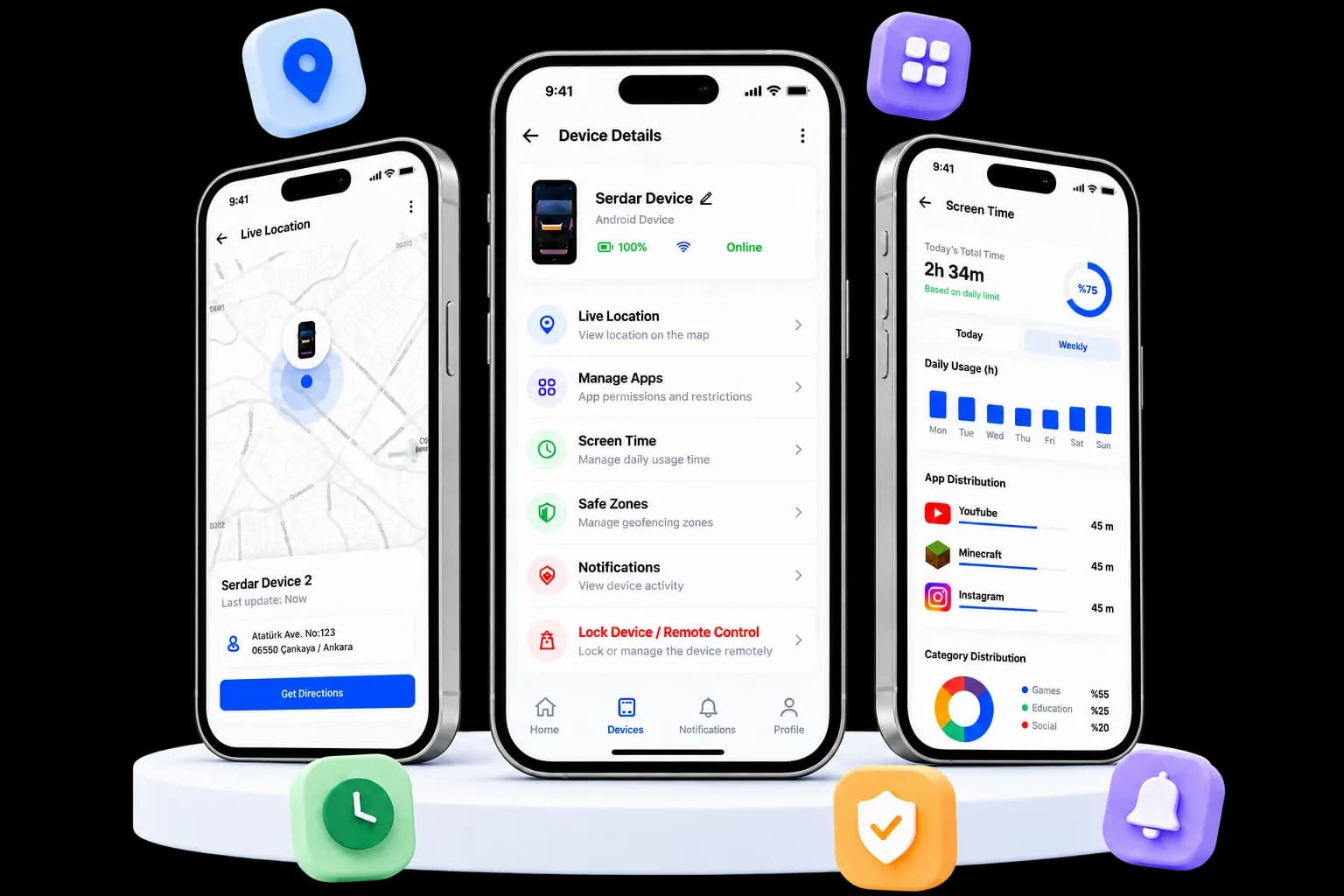
Set up in 3 simple steps and start protecting your child today.
Get the Gardiyan Family app from the Google Play Store.
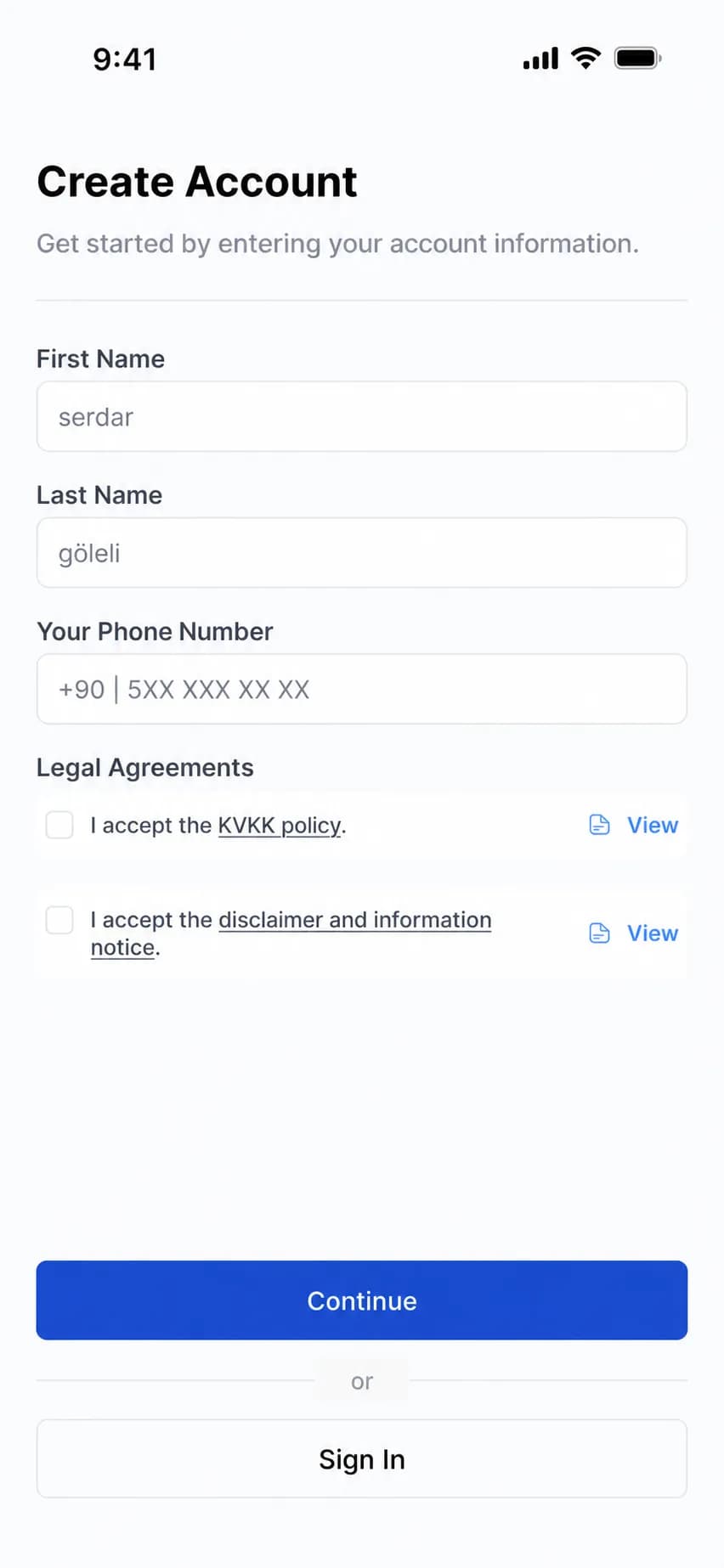
Enter your details to set up your account.
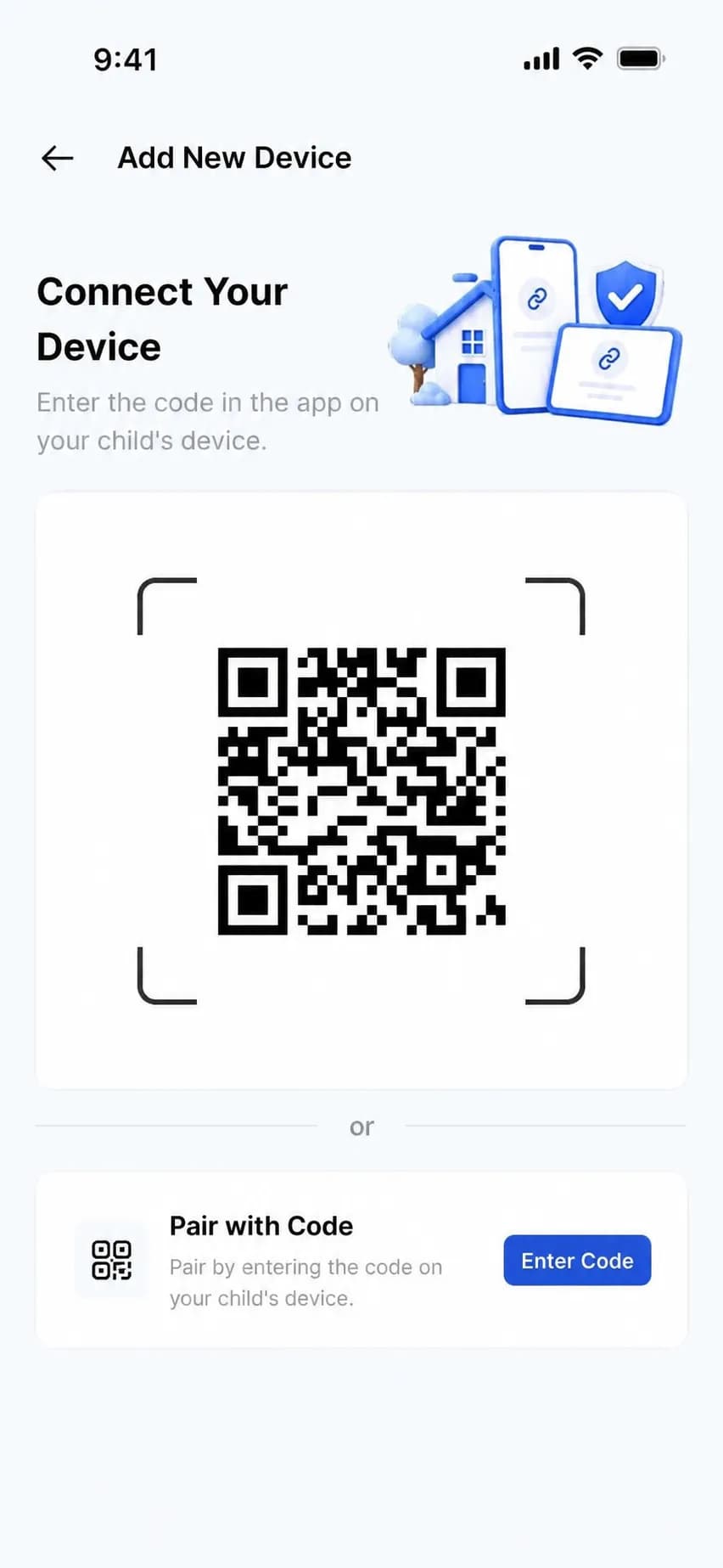
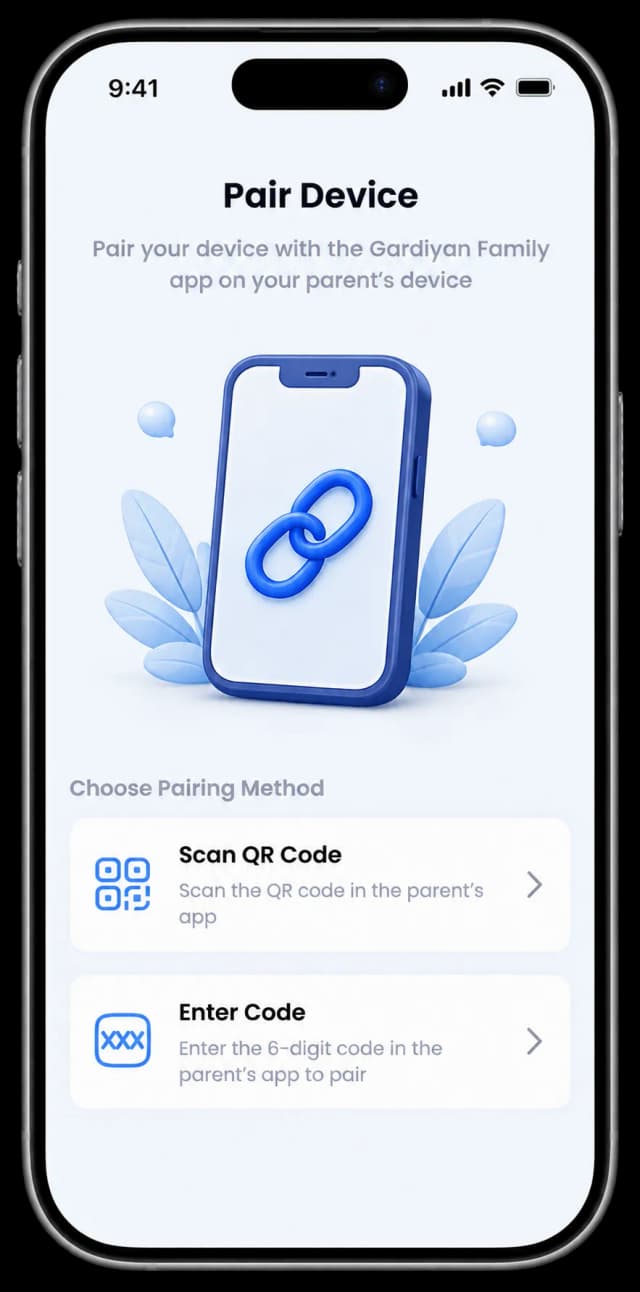
Install the app on your child's device and scan the code to pair.
Protecting your child has never been easier. Everything you need, all in one app.
See your child's location in real time on the map.
Keep app use in balance and build healthy digital habits.
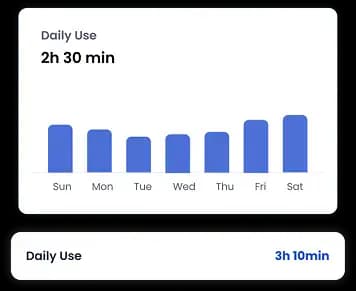
Decide which apps your child can use and for how long.
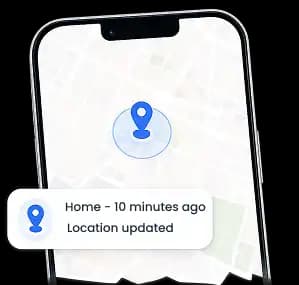
Get notified when your child arrives at or leaves places like school or home.
Get important alerts the moment they happen so you can act fast.
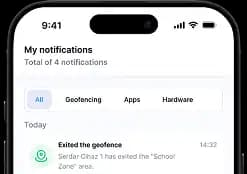

Get real-time notifications about key activity, events, and important updates, sent to both your phone and your child's.

Holiday greetings, special occasions, and important announcements, delivered right when they matter.
Find answers about setup, everyday use, and how we keep your child's data secure.
The parent app works on both Android and iOS. Managing your child's device requires an Android phone or tablet.
Just a few minutes. Download the app, create your account, and pair your child's device with a QR code.
Install the Gardiyan Family Child app on your child's device, then scan the QR code shown in your parent app.
Yes. Your child's current location appears on the map and updates automatically.
Yes. You can set daily screen time limits and control which apps your child can use and for how long.
Mark places like home or school on the map. You'll get a notification whenever your child arrives or leaves.
Gardiyan Family is designed to prevent uninstalling without parent approval, and you'll be notified of any attempt.

Parent App
Families everywhere are choosing Gardiyan Family. Download it today.
Child App
Install the Gardiyan Family Child app on your child's device and pair it in seconds with a QR code.
Reach out anytime with questions, feedback, or support requests.
Send us an email and our team will get back to you as soon as possible.